




Client sign-off for Meta ads

Your client approves this exact version. Nothing is created until they do.

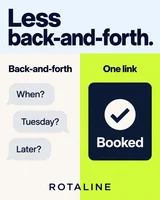
Your client opens one link and answers every ad on it.
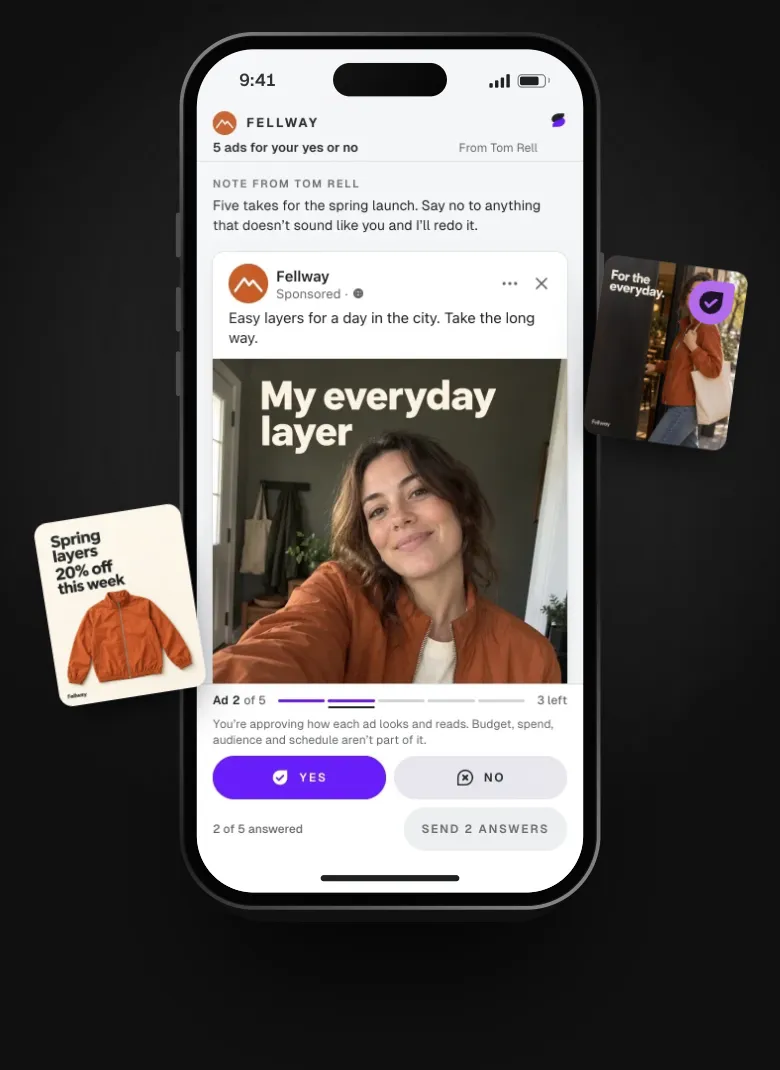
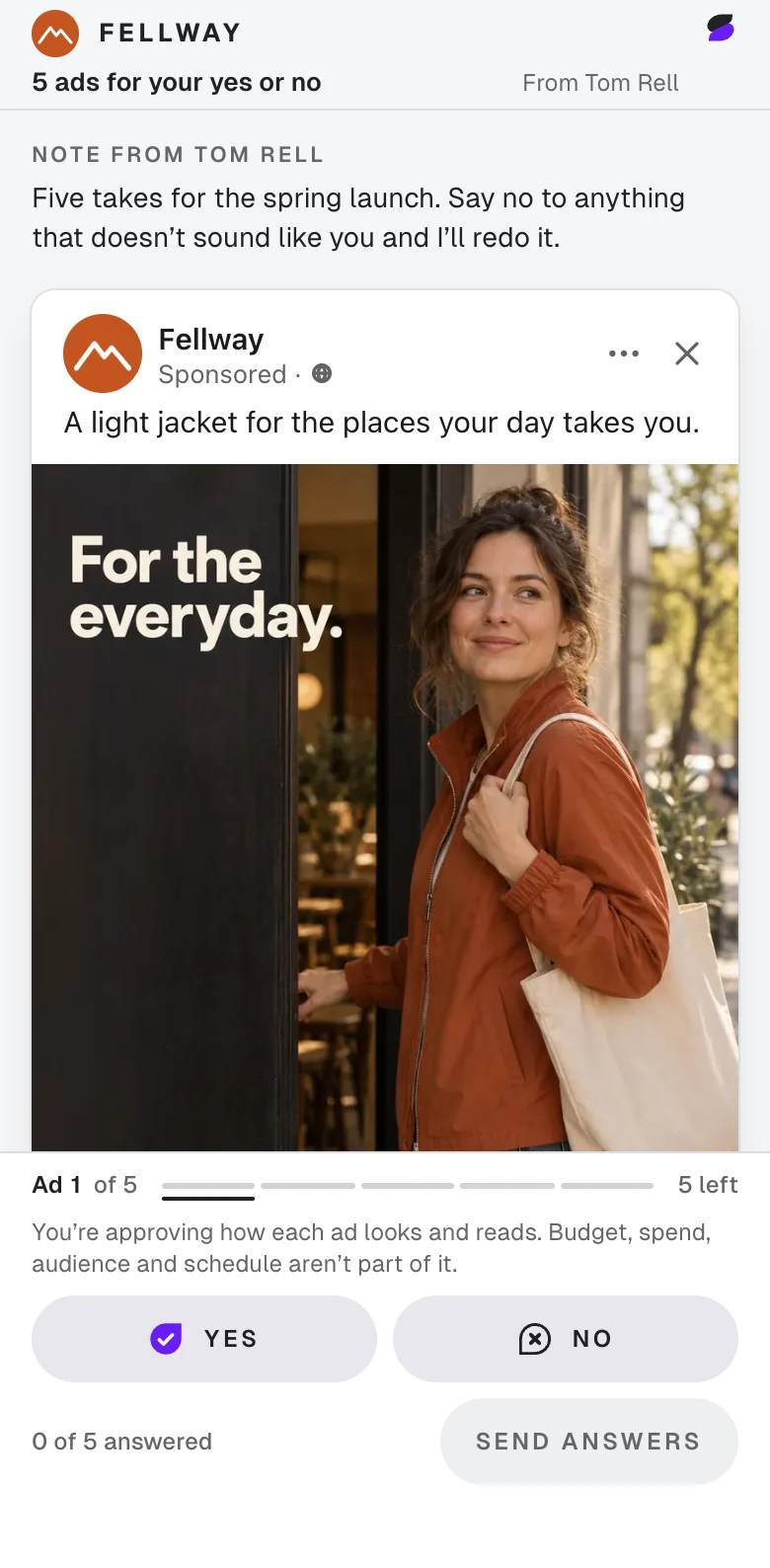
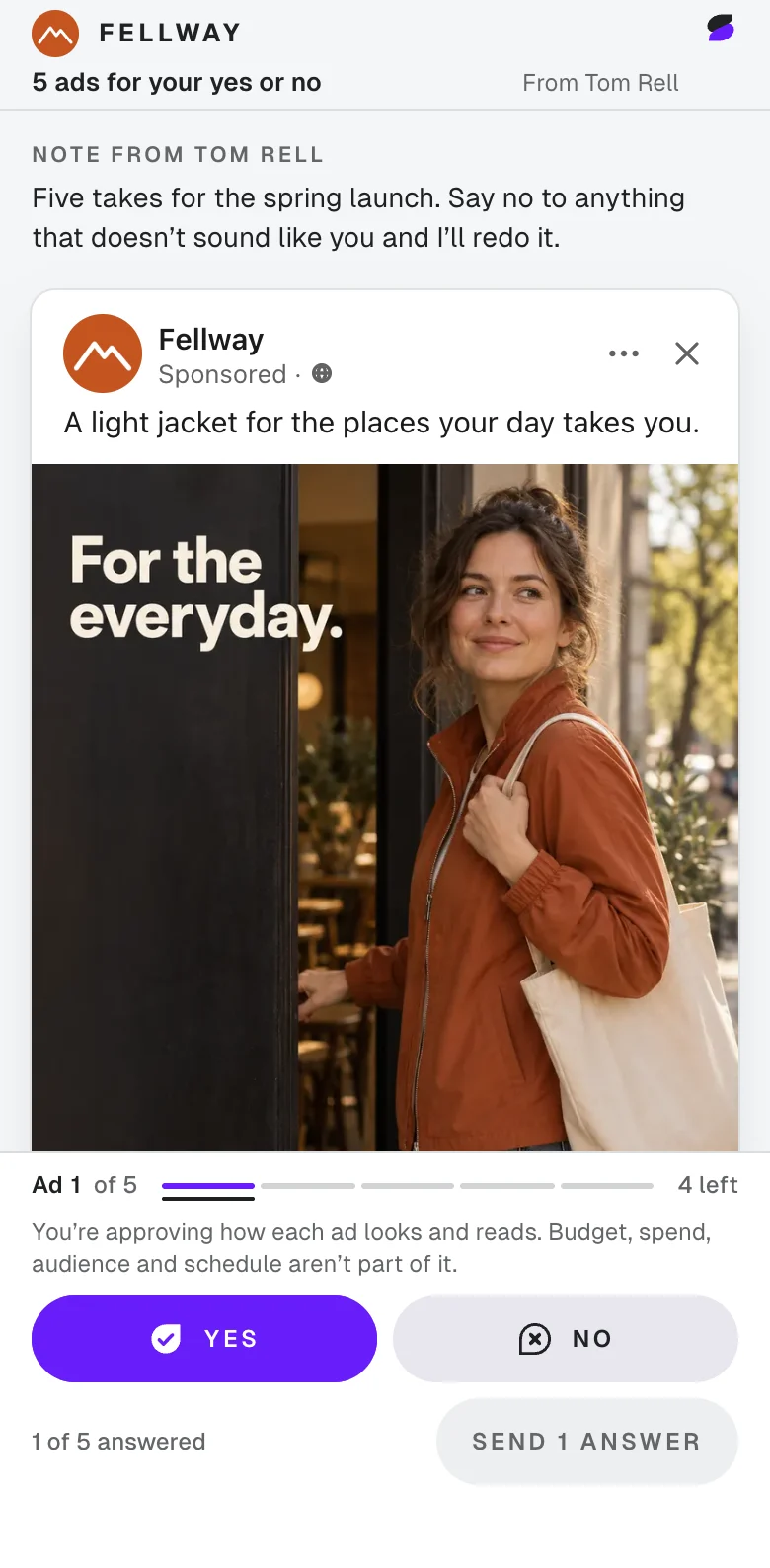
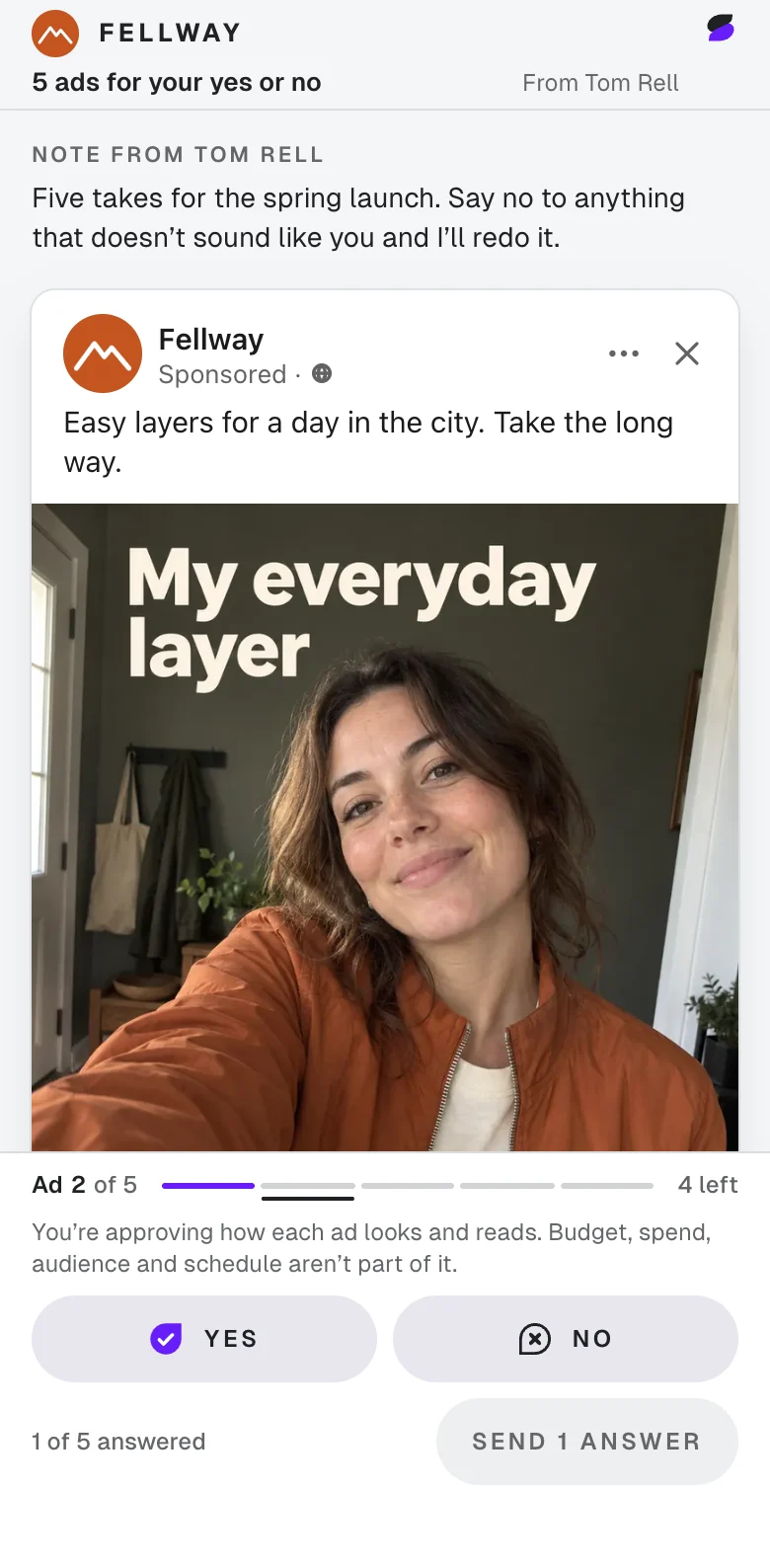
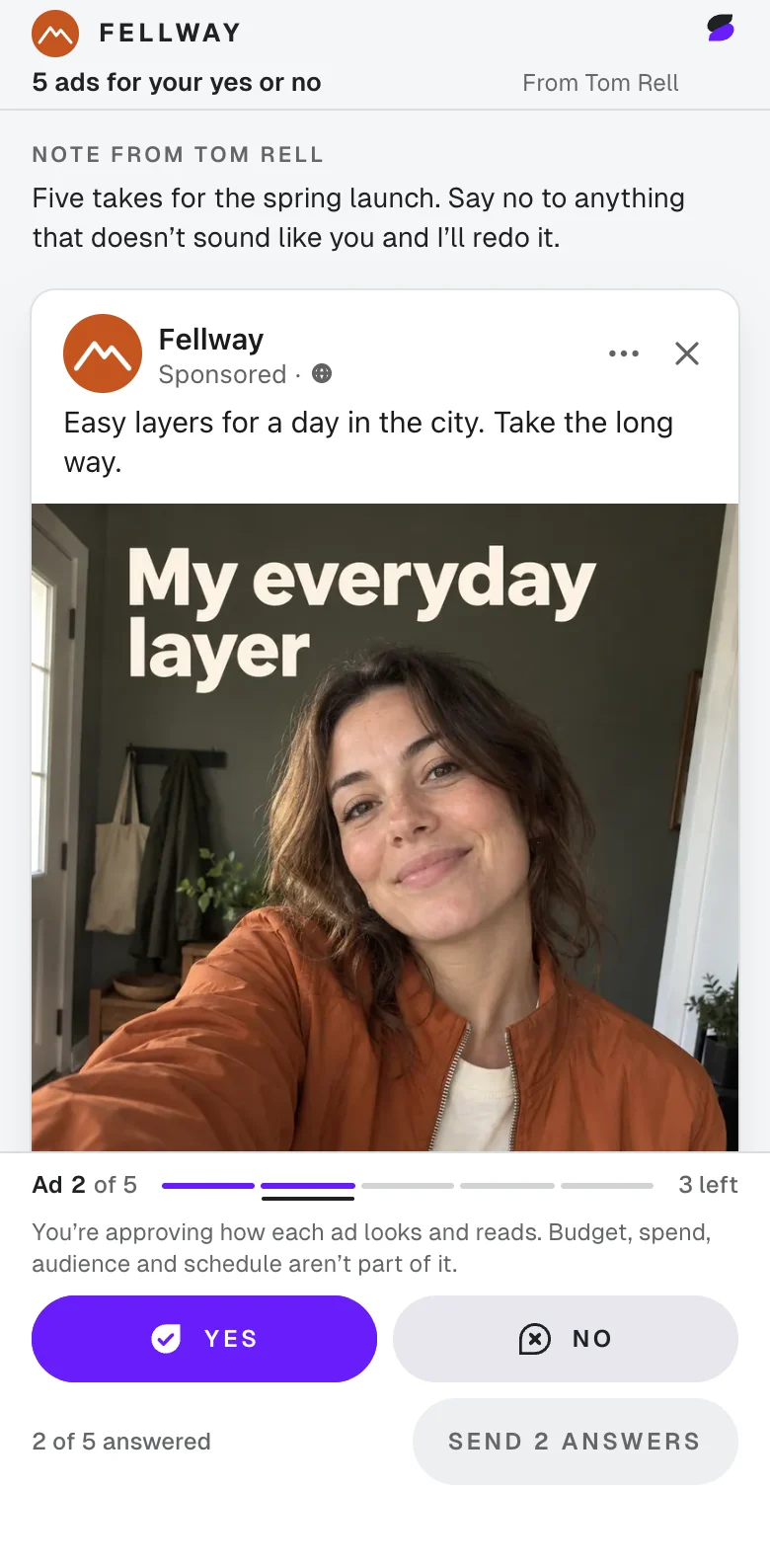
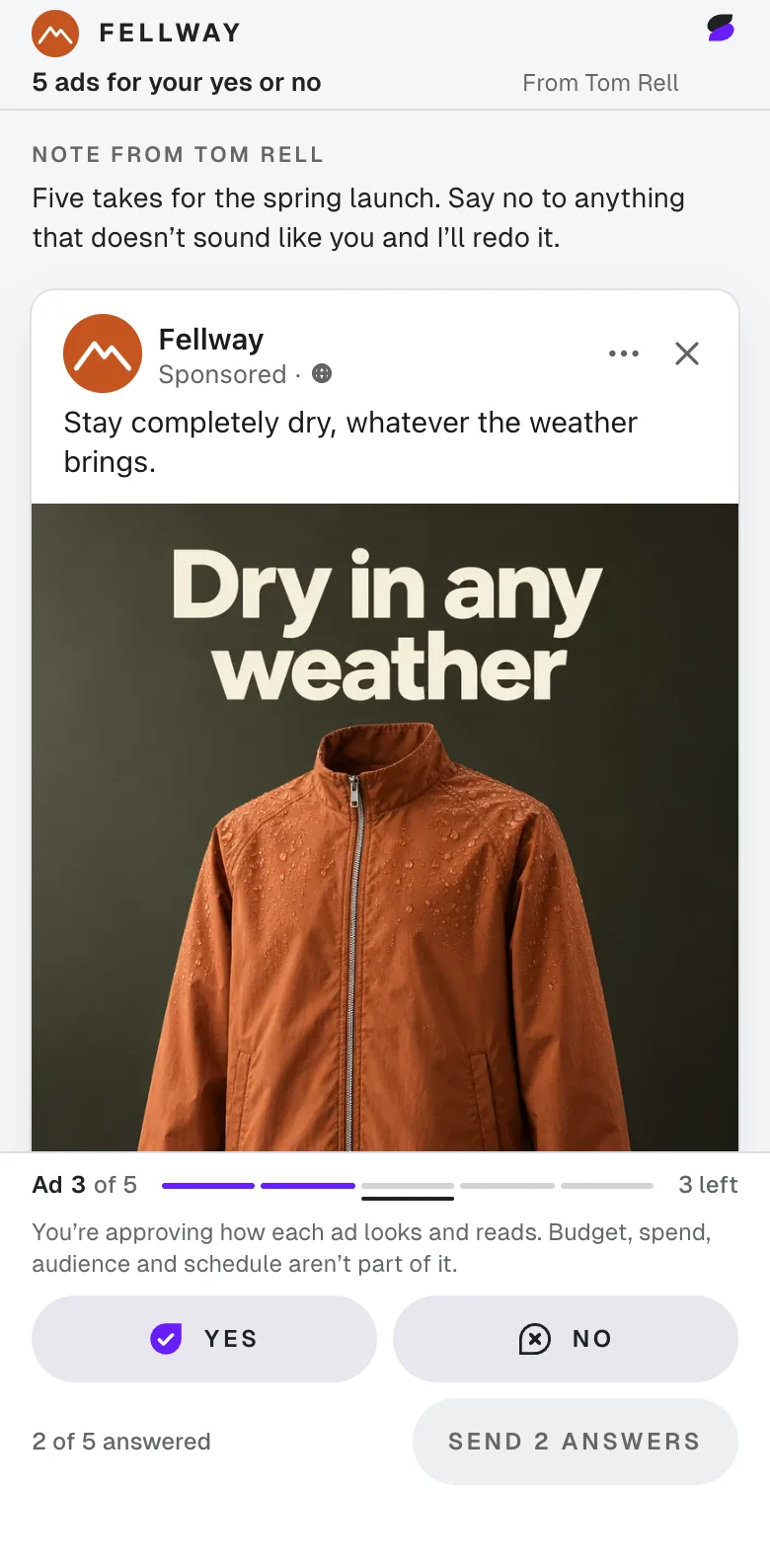
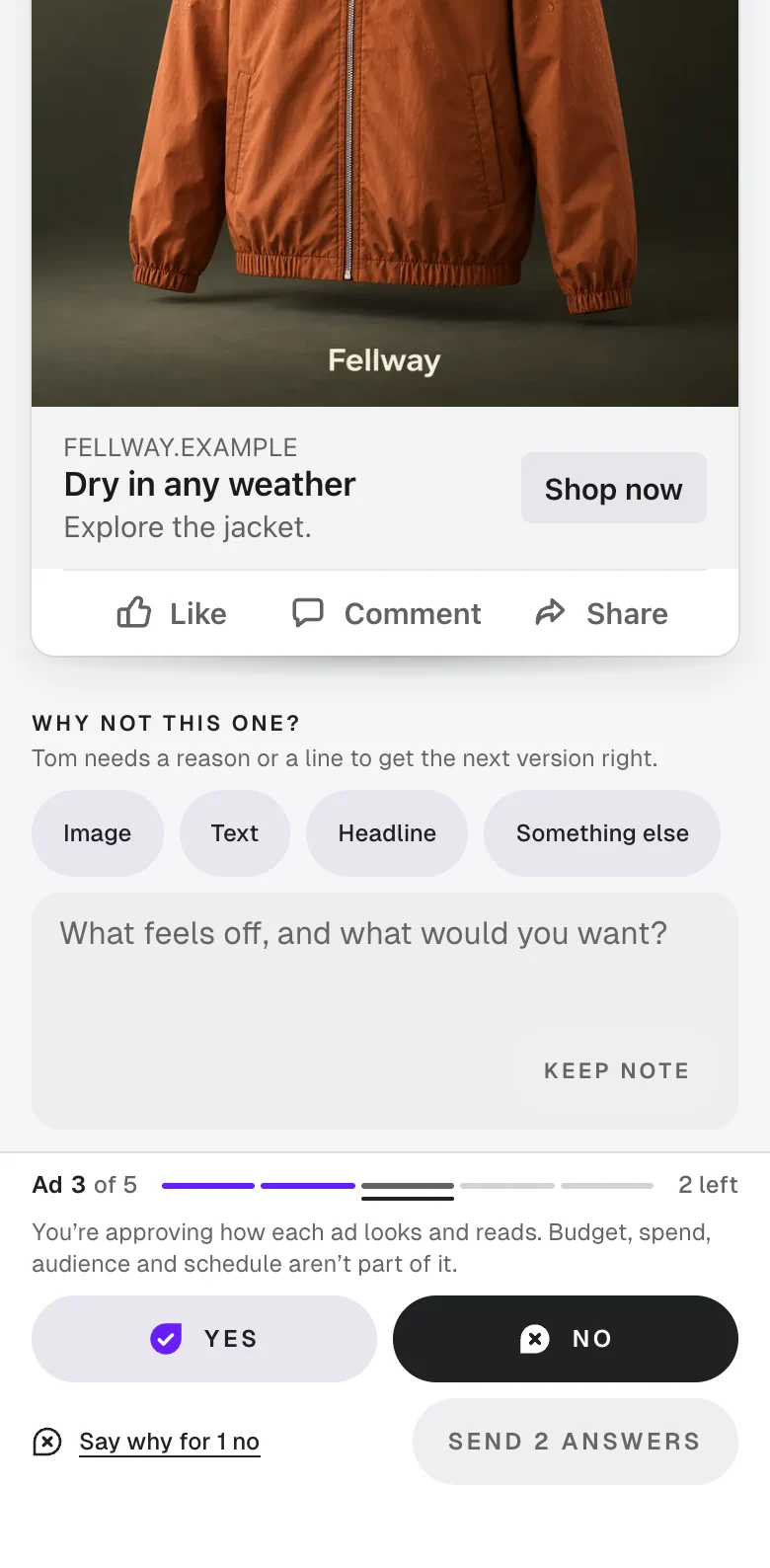
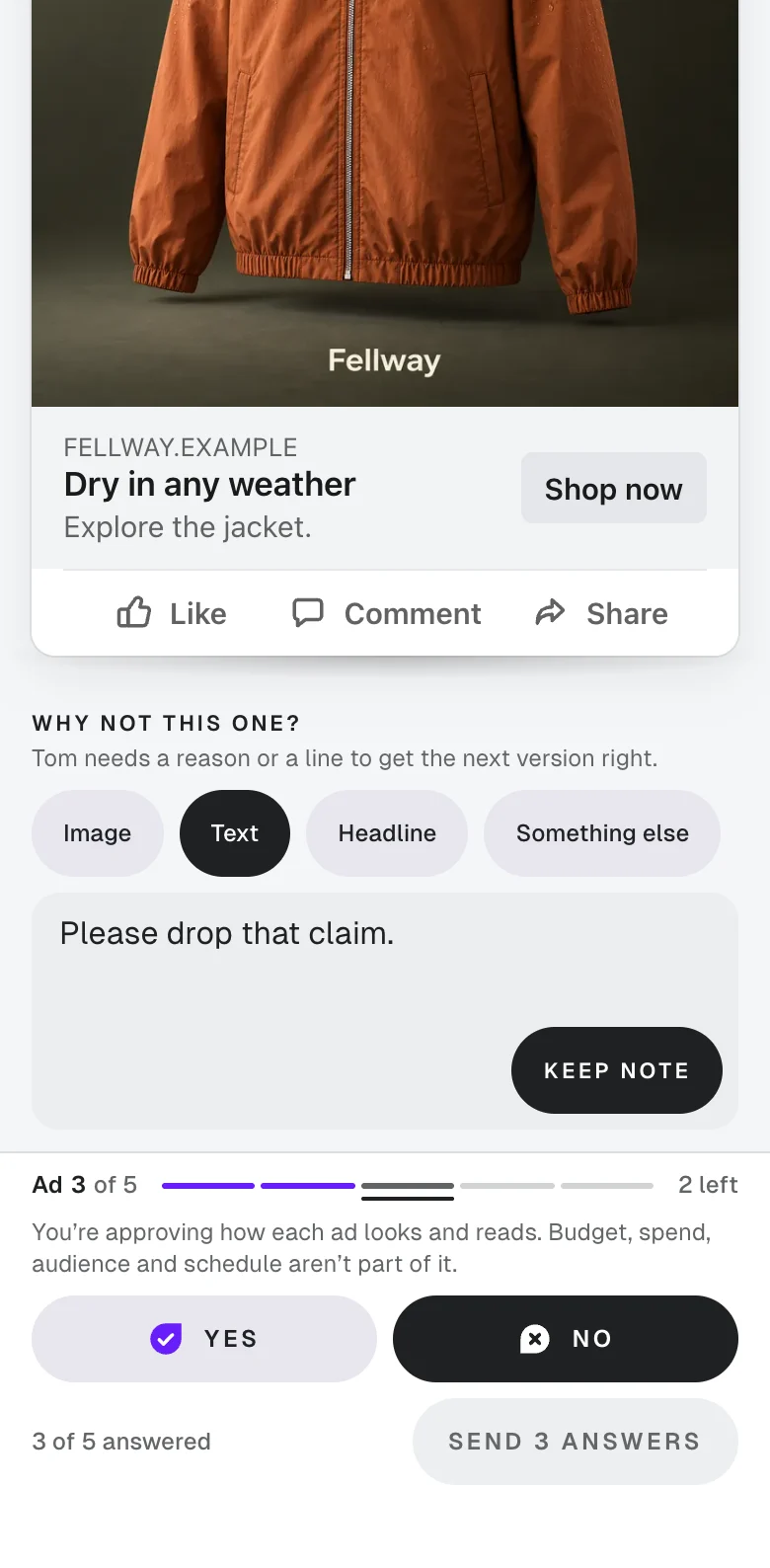
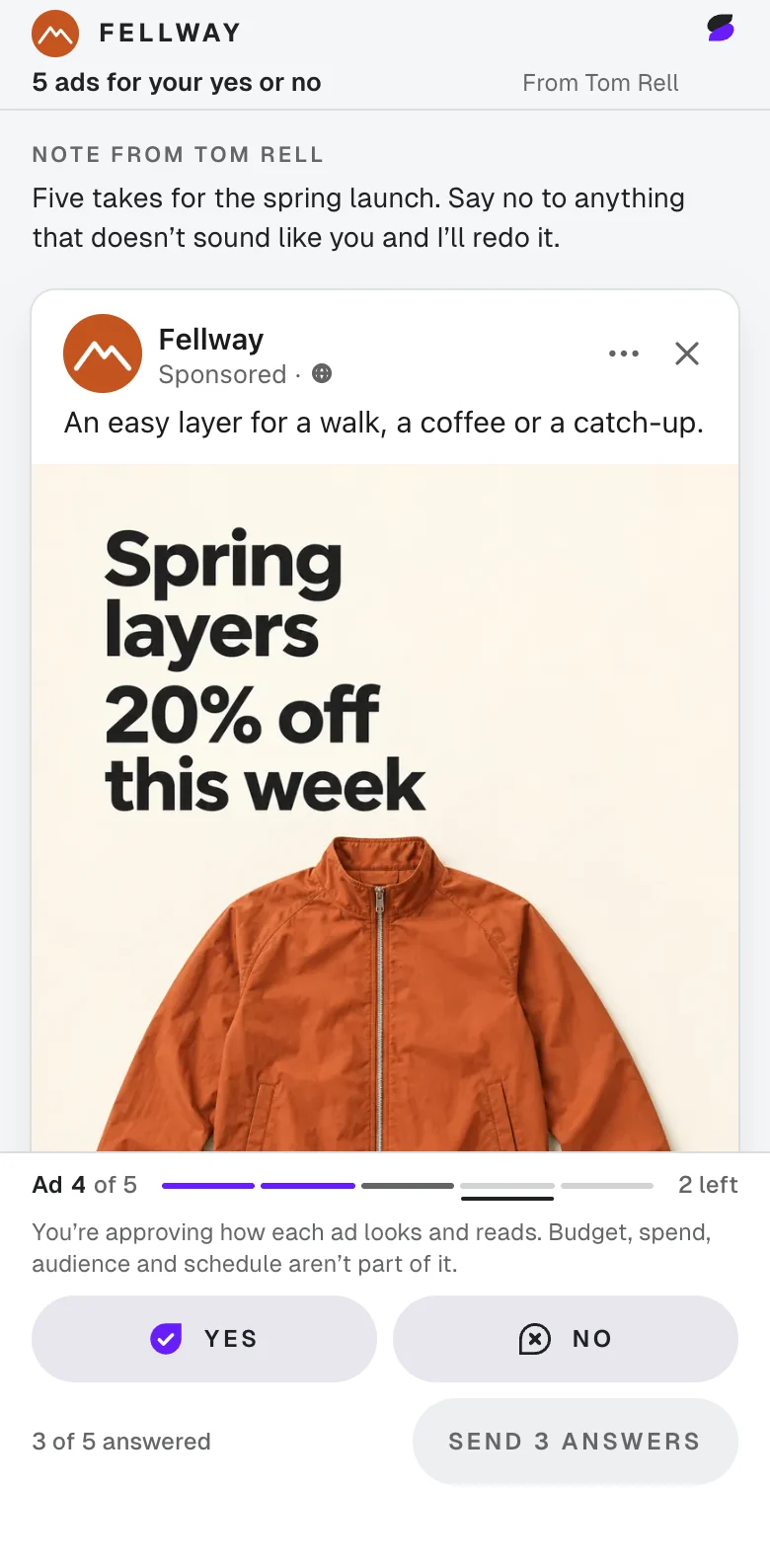
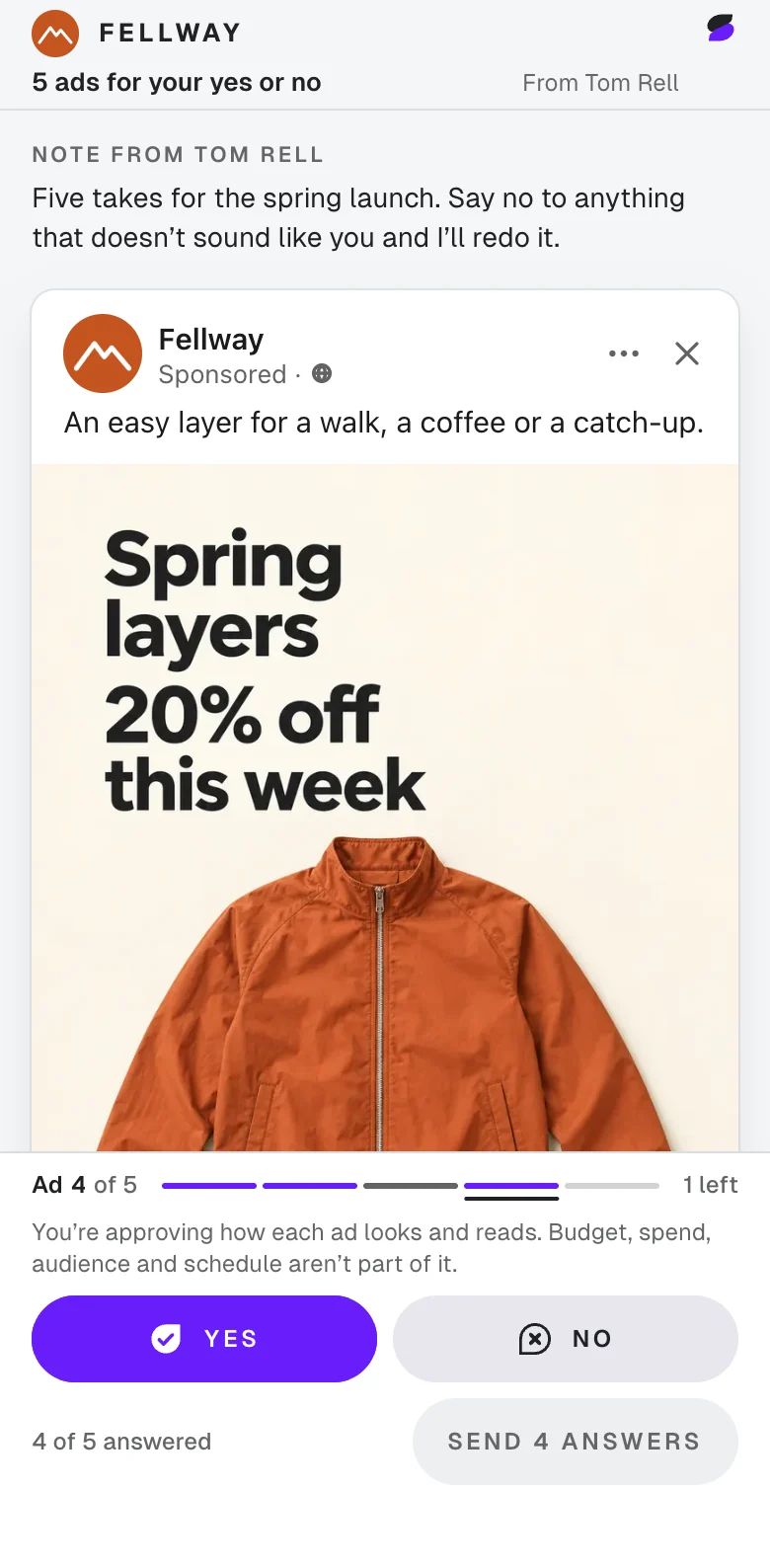
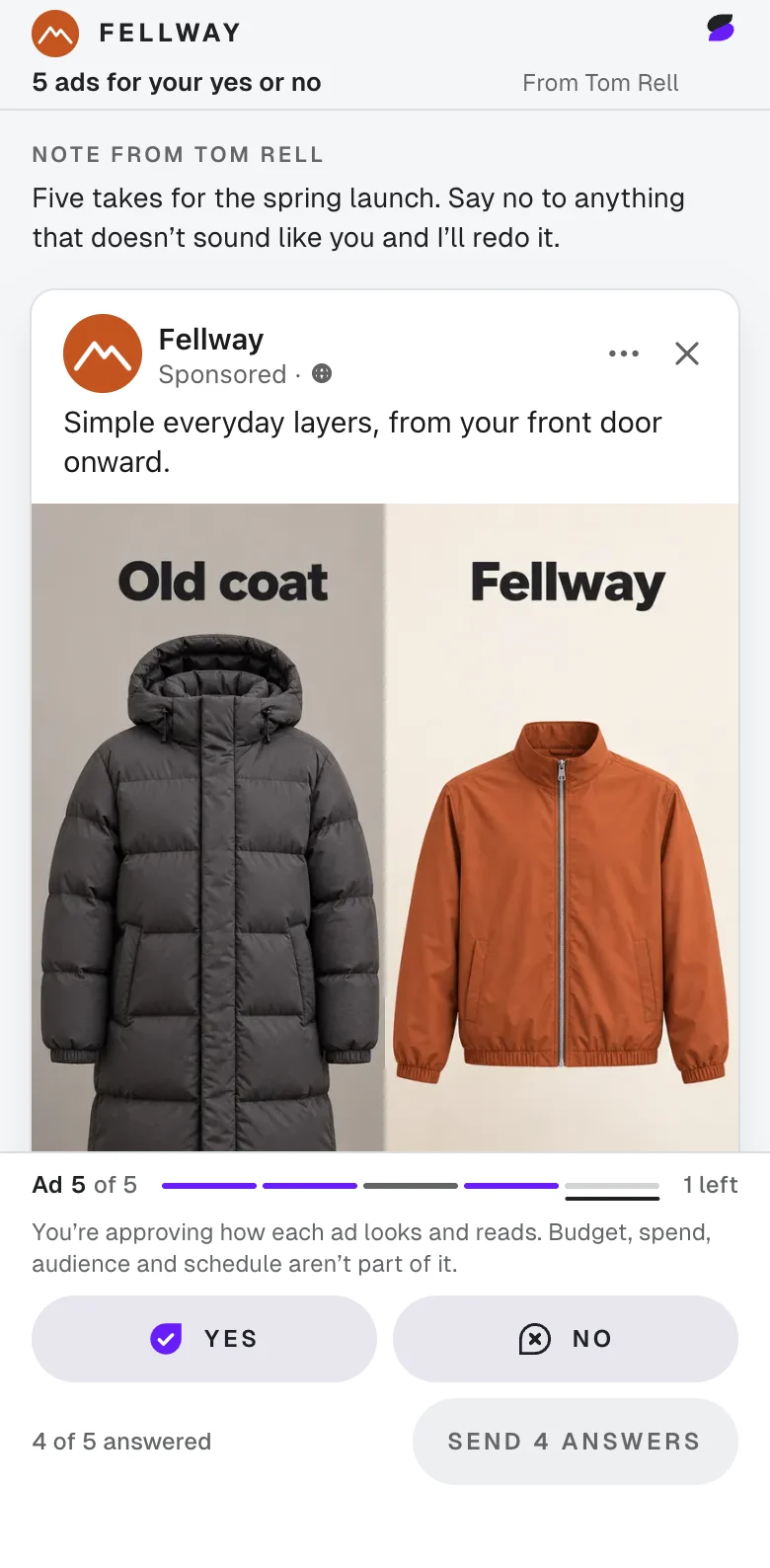
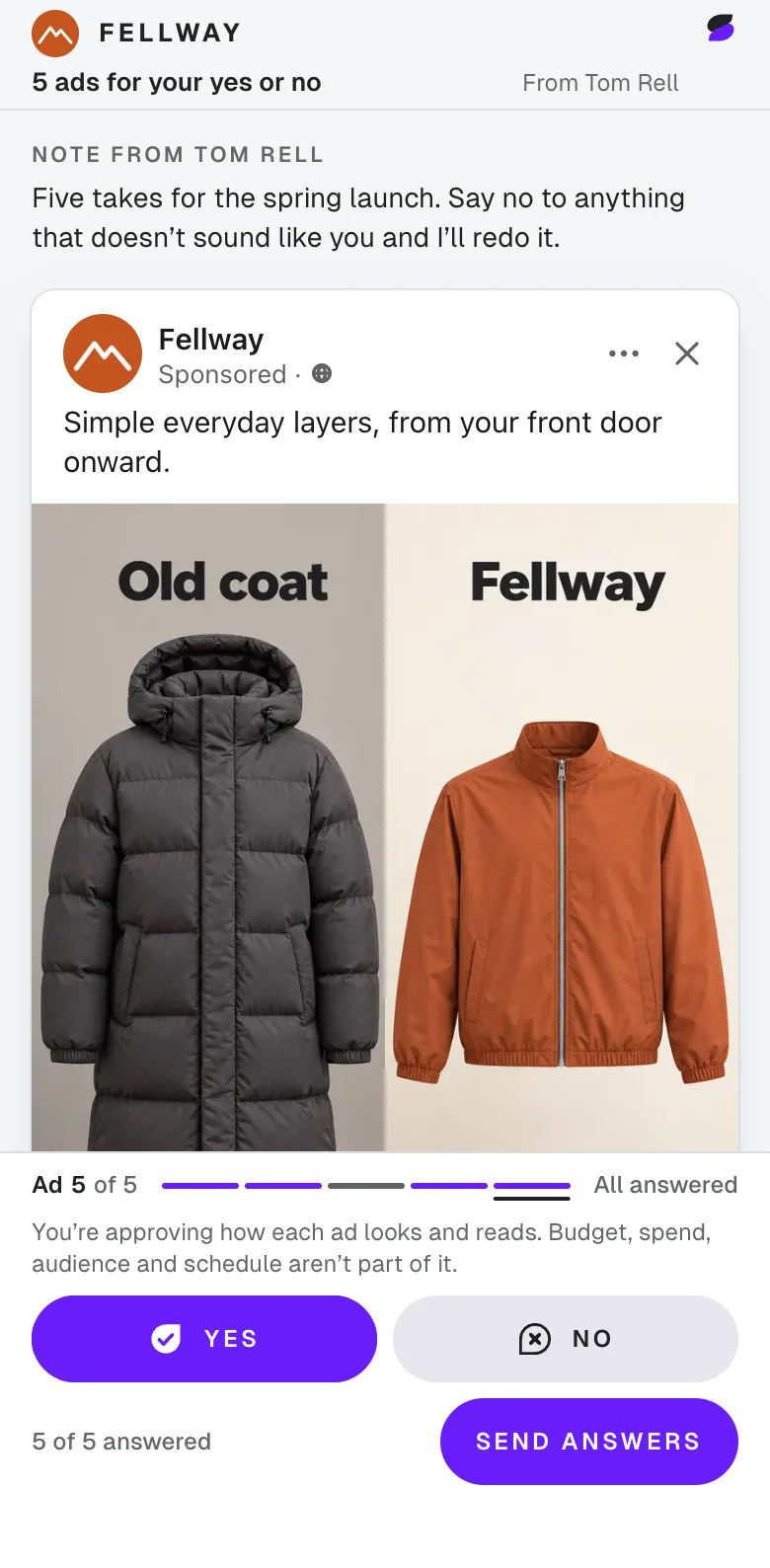
Sample: Fellway’s spring ads on Maya’s phone.

Tom’s dashboard

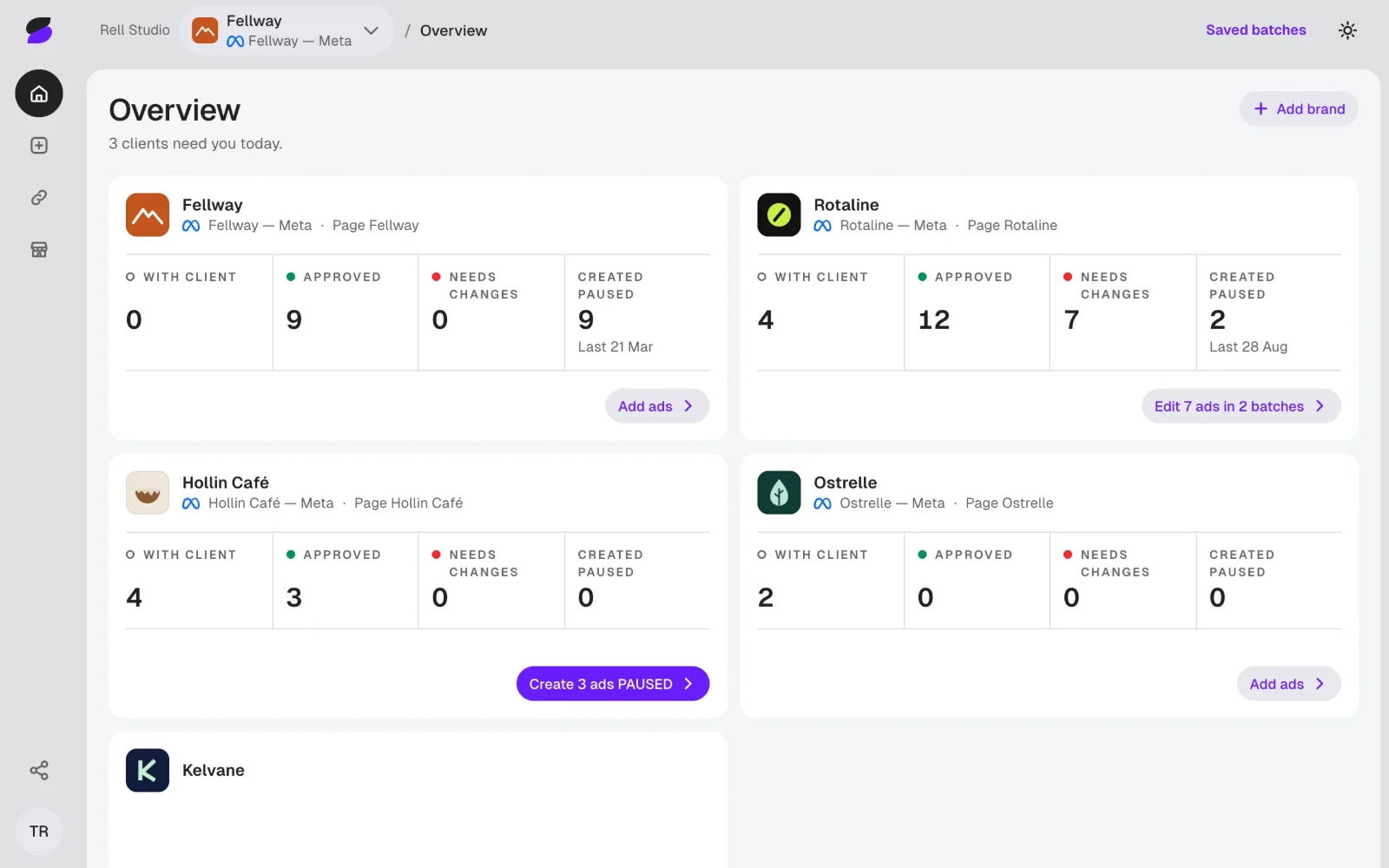
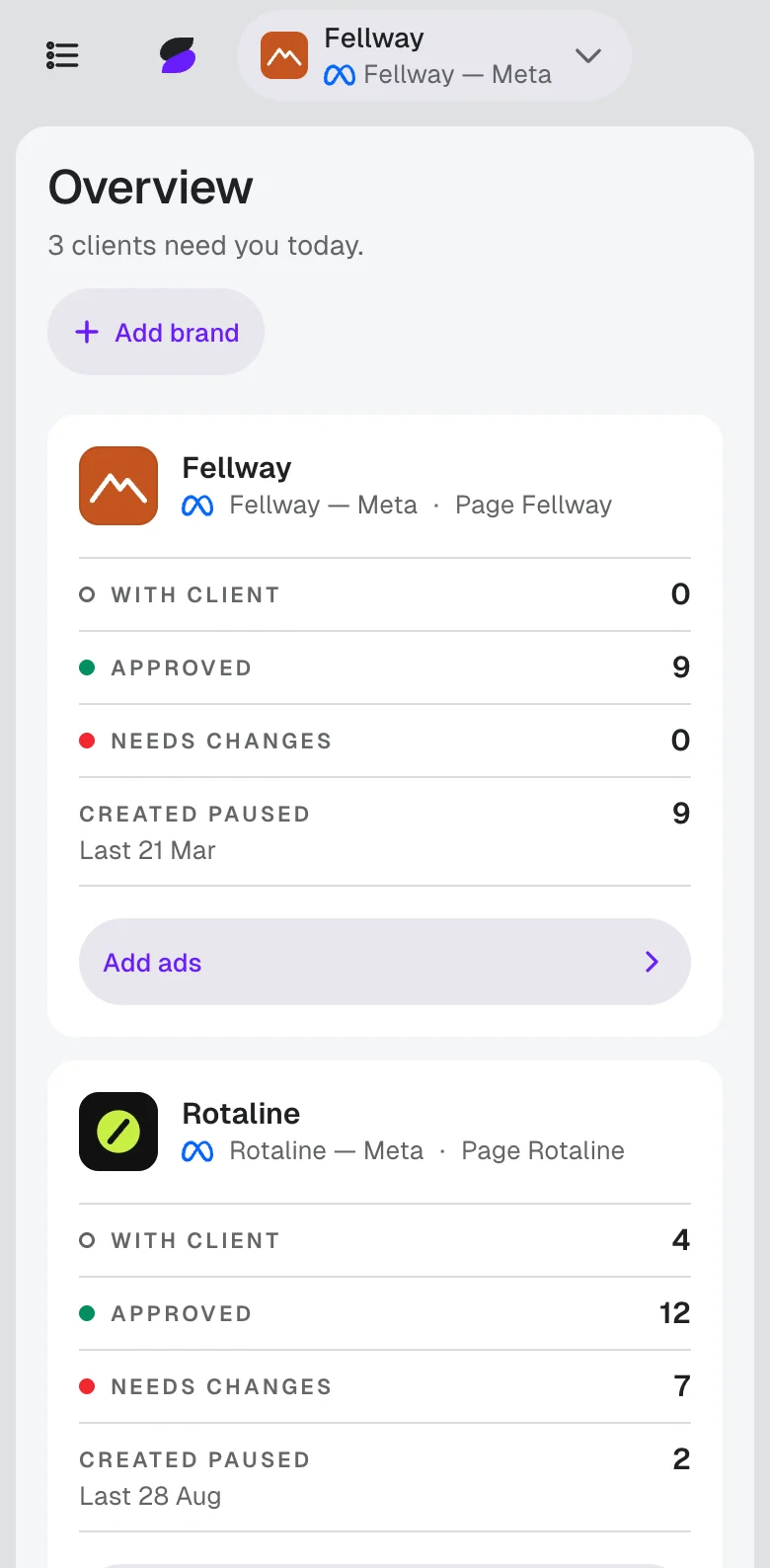
Every client on one page.

Tom runs Meta ads for five clients. He adds five spring ads for Fellway.

Sample: Tom’s Overview, with five made-up clients.

Add ads 1 of 3

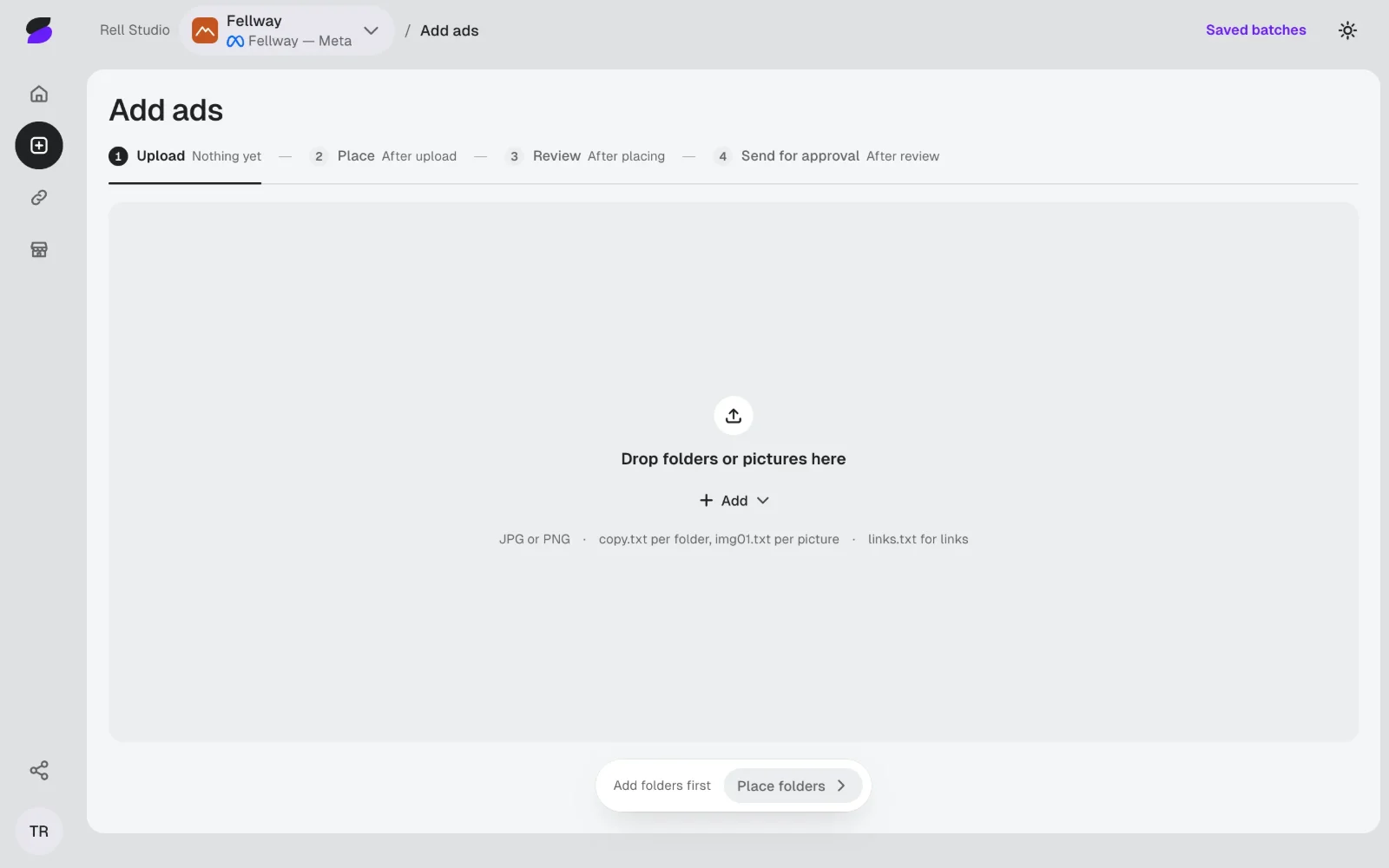
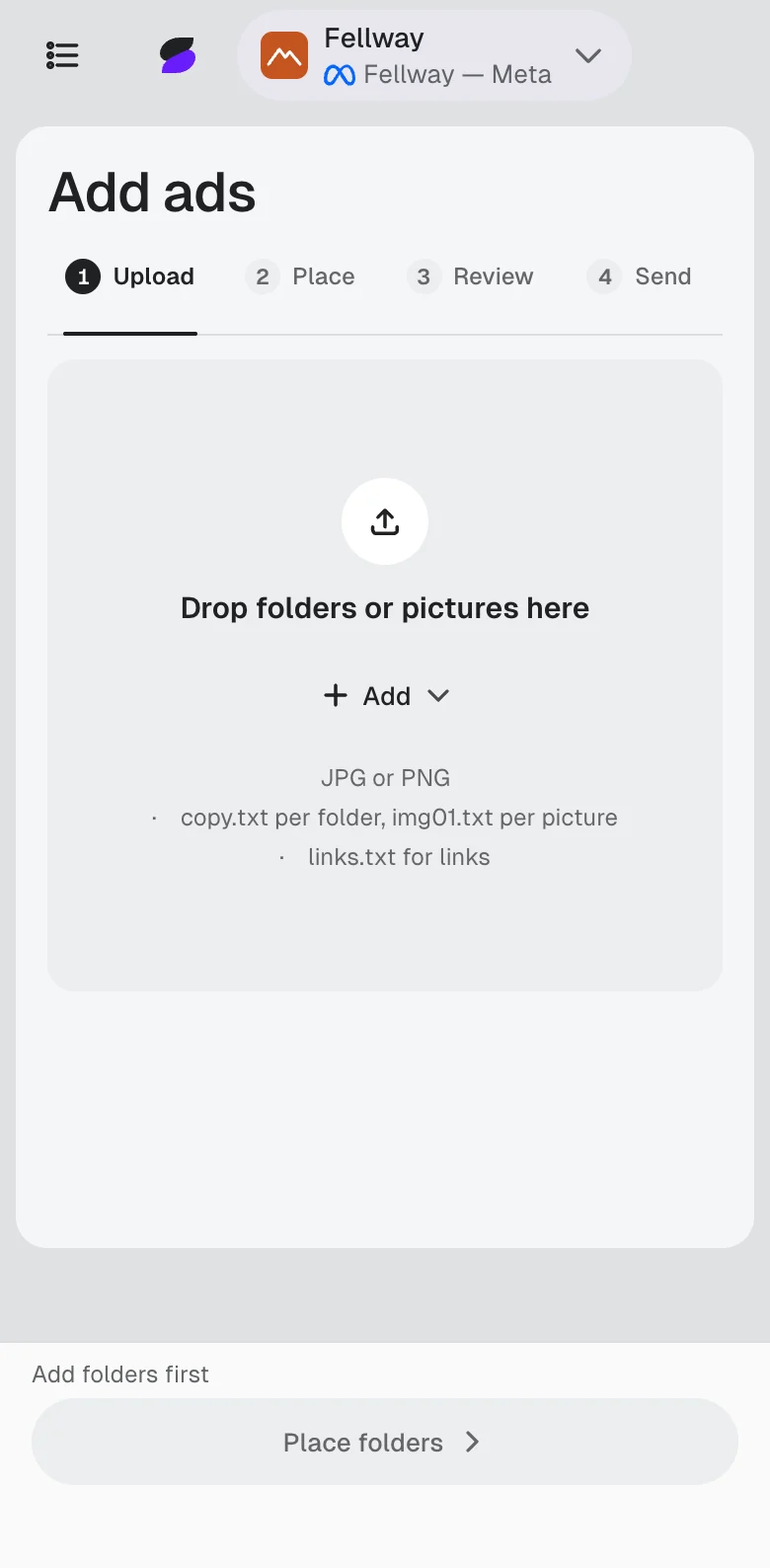
Drop in the folder.

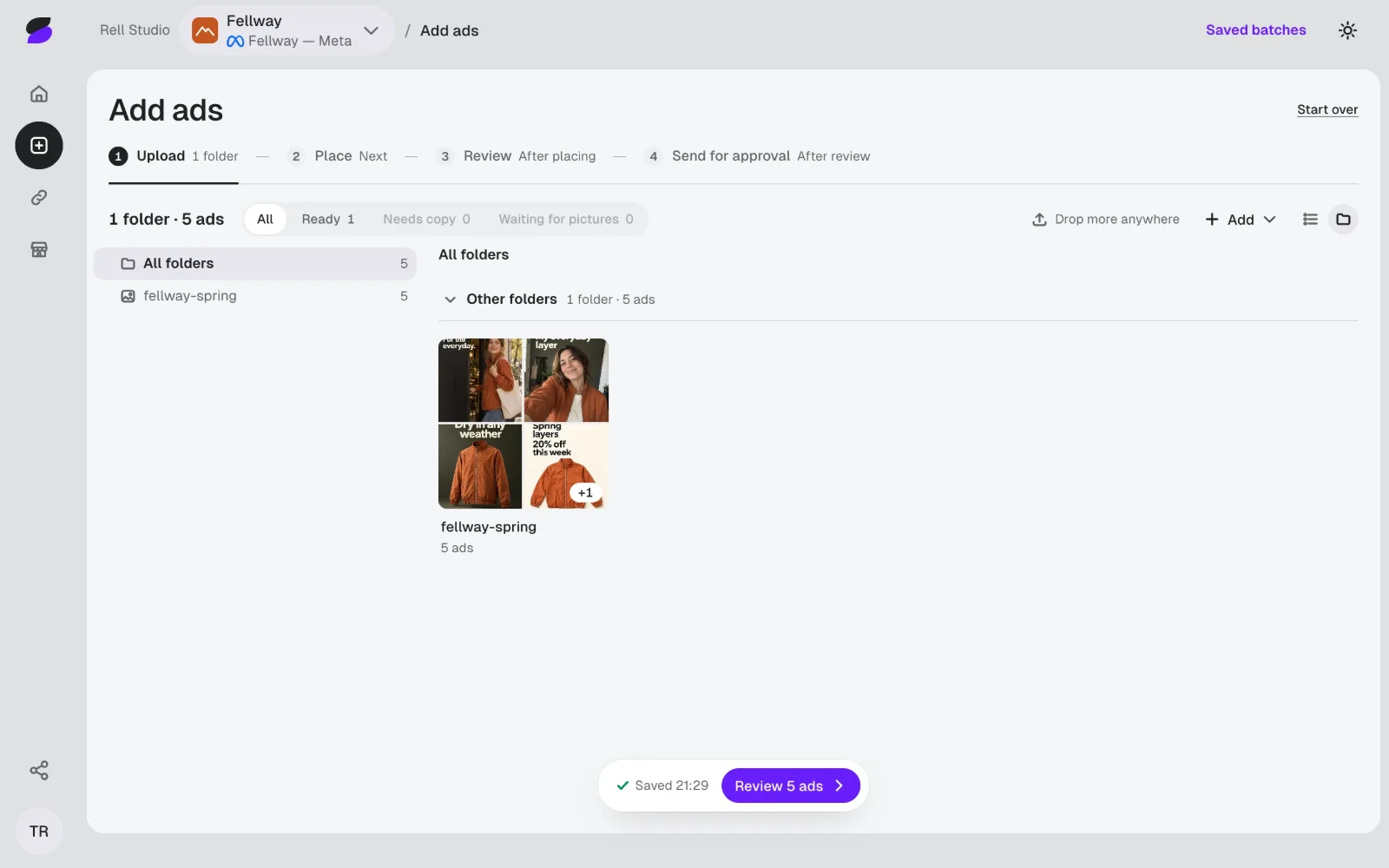
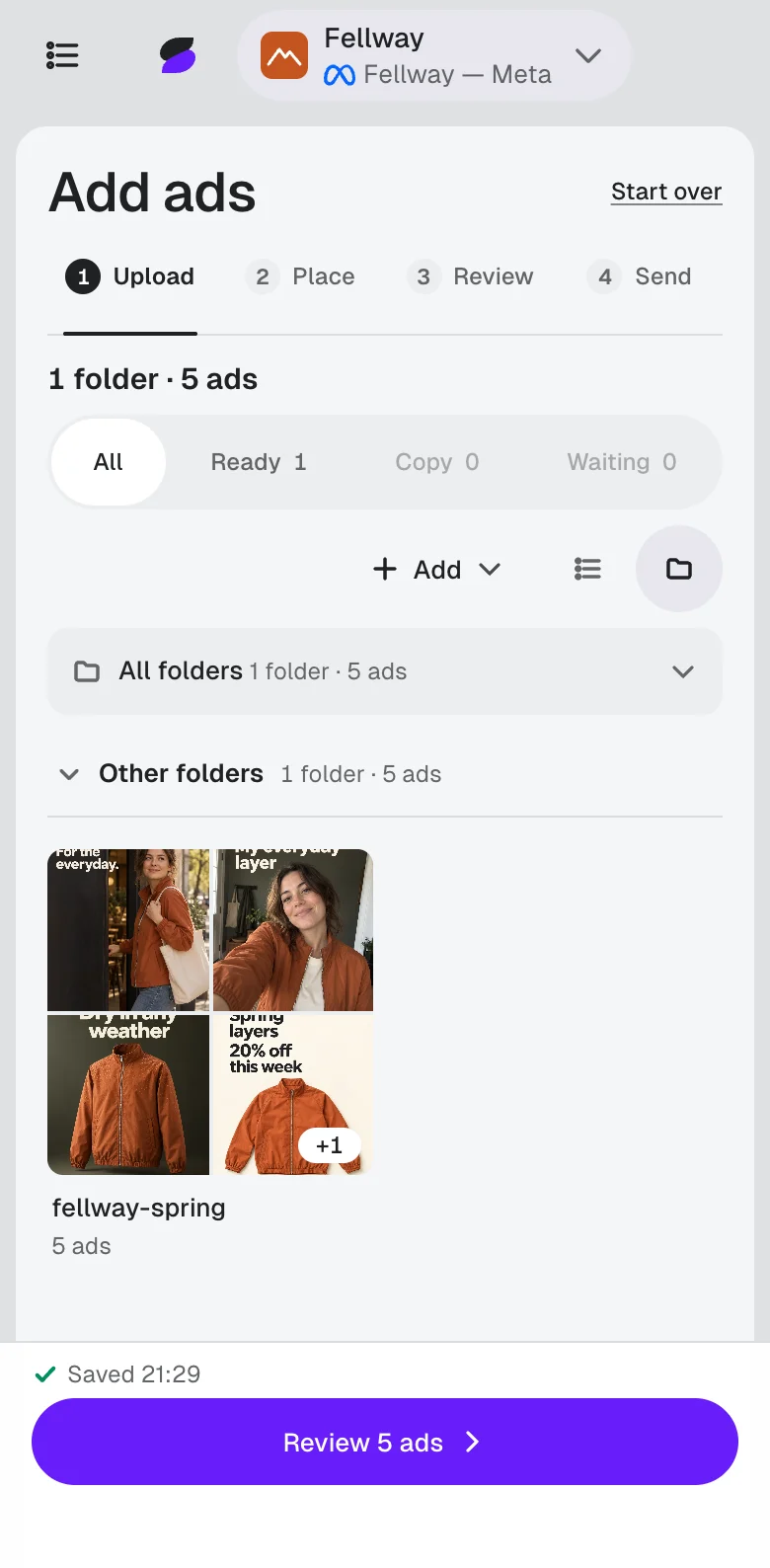
Tom drags in one folder: five finished ads and their copy.

Works in the dashboard today. Upload from Claude Code or Codex through our plugin and MCP server: coming soon.

Sample: the five ads uploaded, with their copy.

Add ads 2 of 3

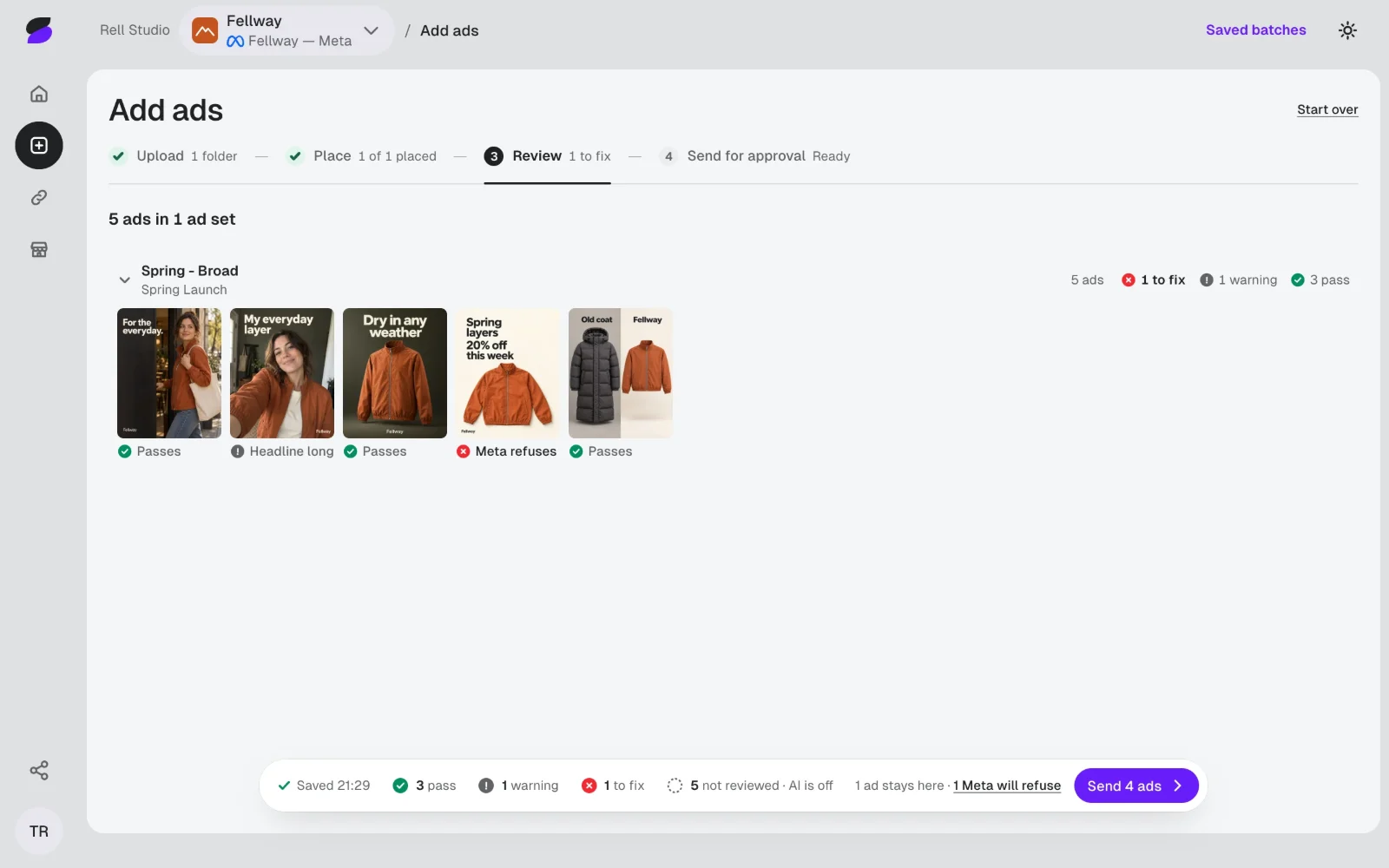
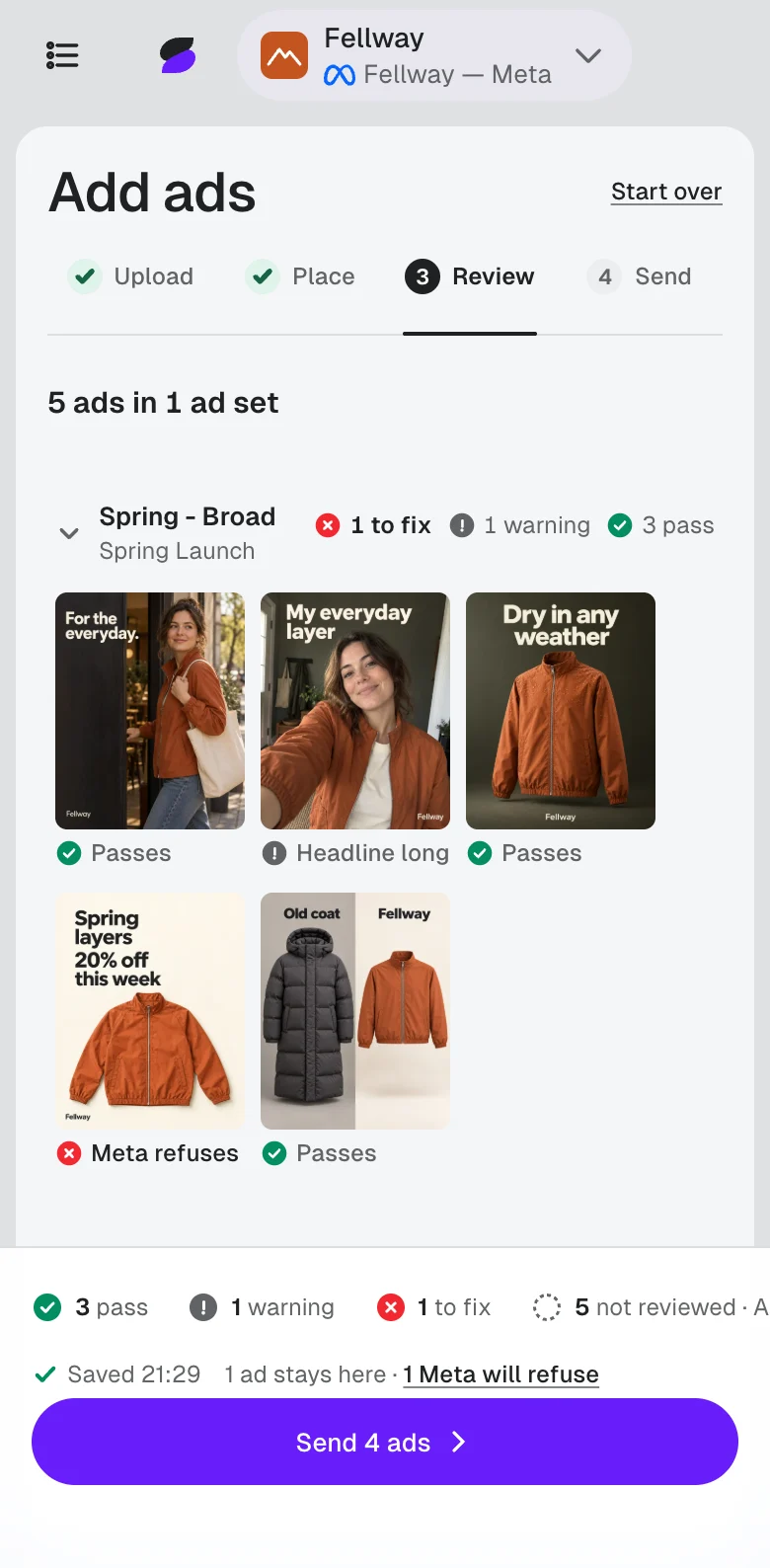
Checked before Maya looks.

A picture too small for Meta holds one ad until Tom replaces it.

  • Picturewrong size or shape: holds one ad
  • Copy lengthtext too long: a warning on one ad
  • Linkcoming soon: not checked yet
  • Stale yeara past year: passes
  • Currencythe wrong currency: passes
  • Prompt leakleftover prompt text: passes
  • Duplicatethe same picture twice: passes
  • Spellinga misspelling: passes
  • AI reviewcoming soon: not checked yet
Sample: the Review step for the five ads.

Add ads 3 of 3

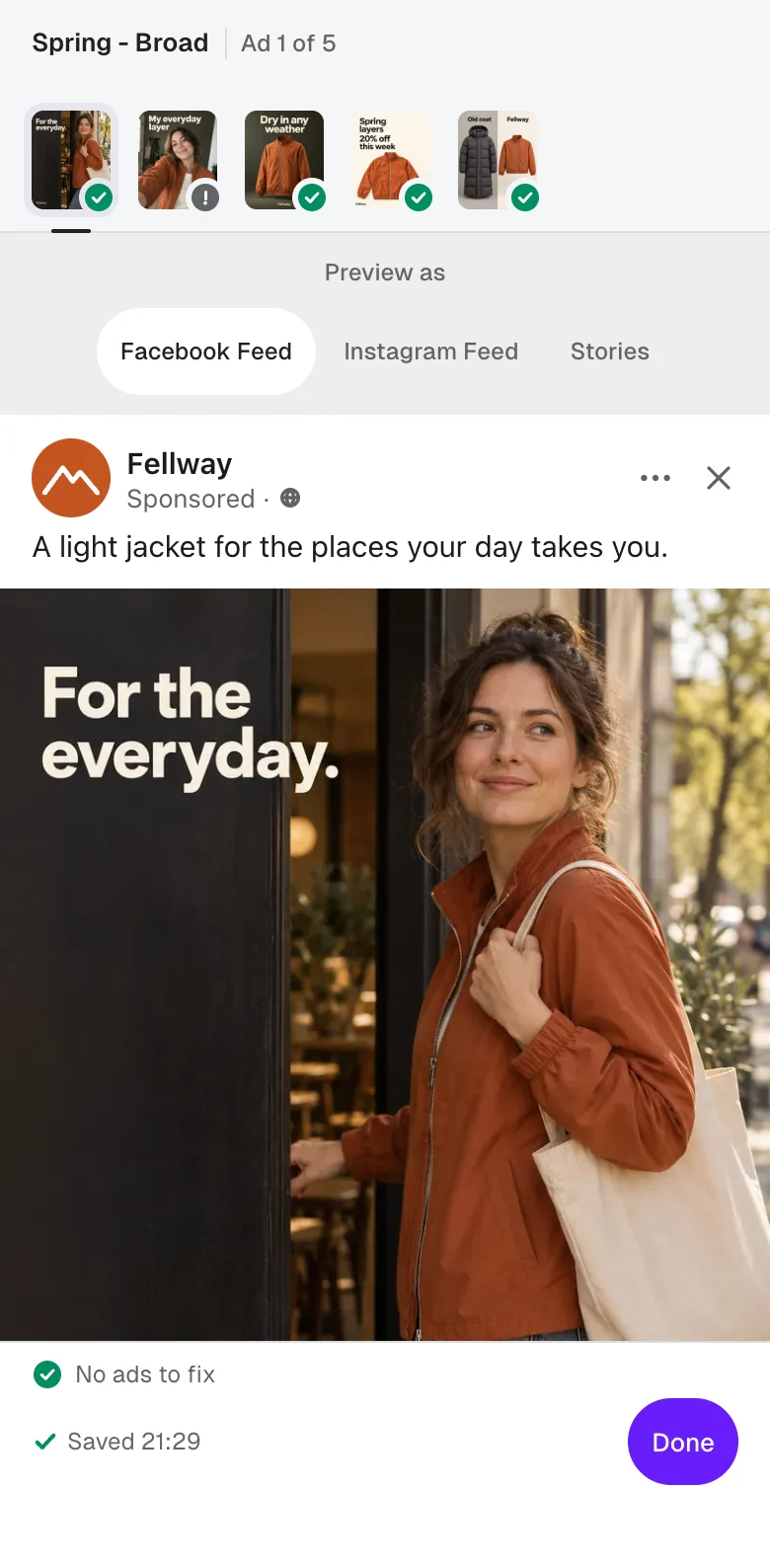
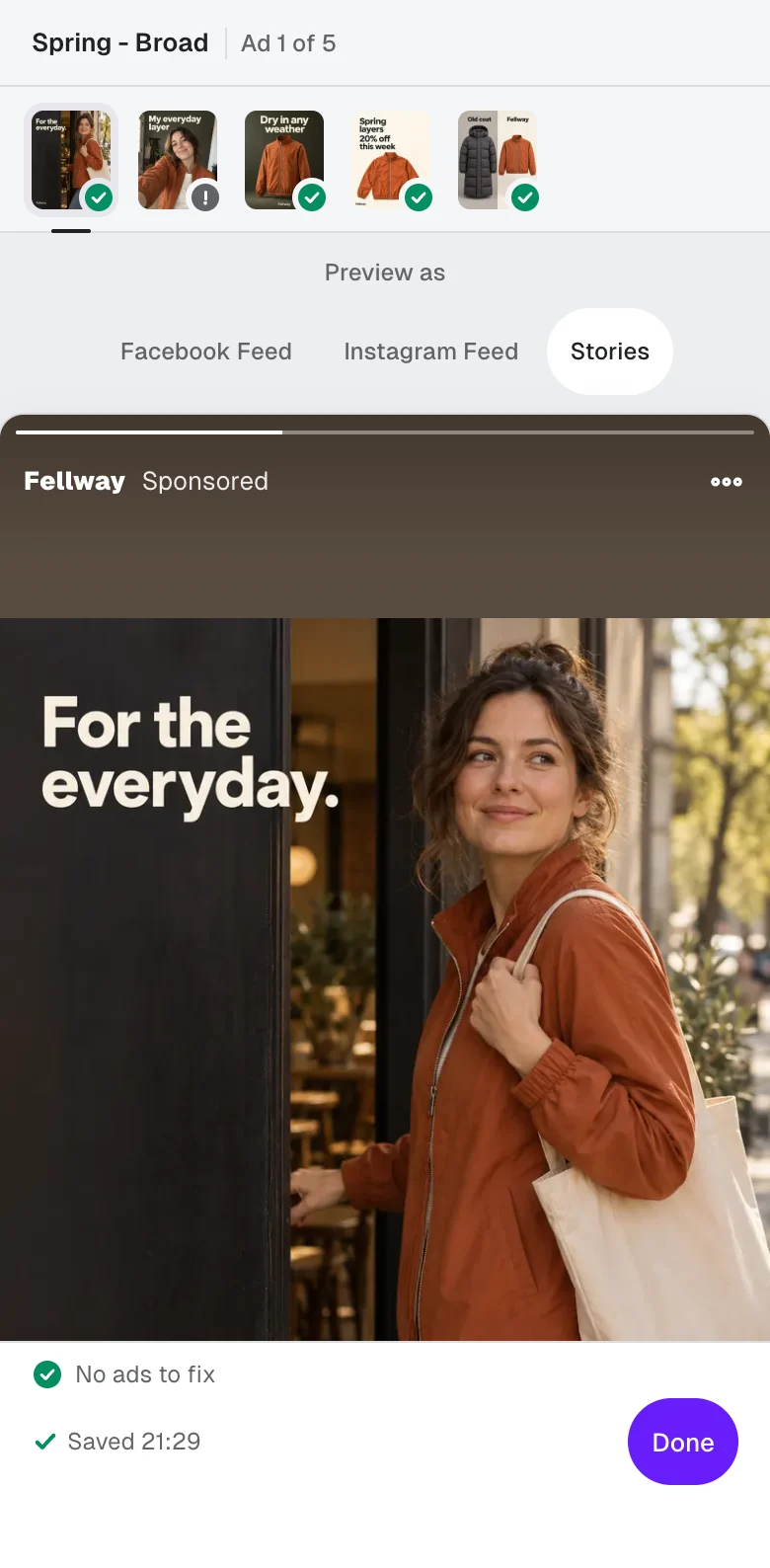
See it as it will run.

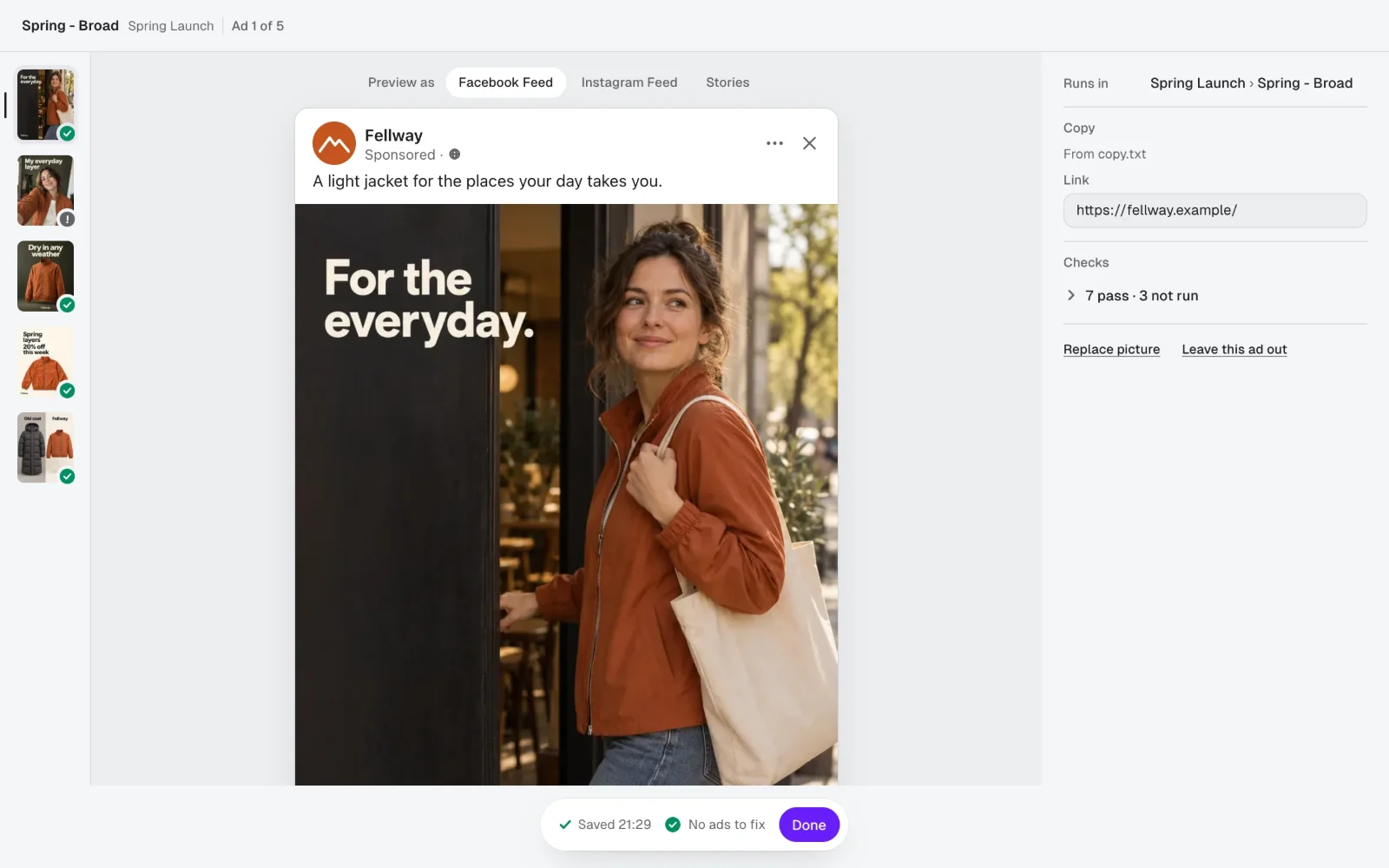
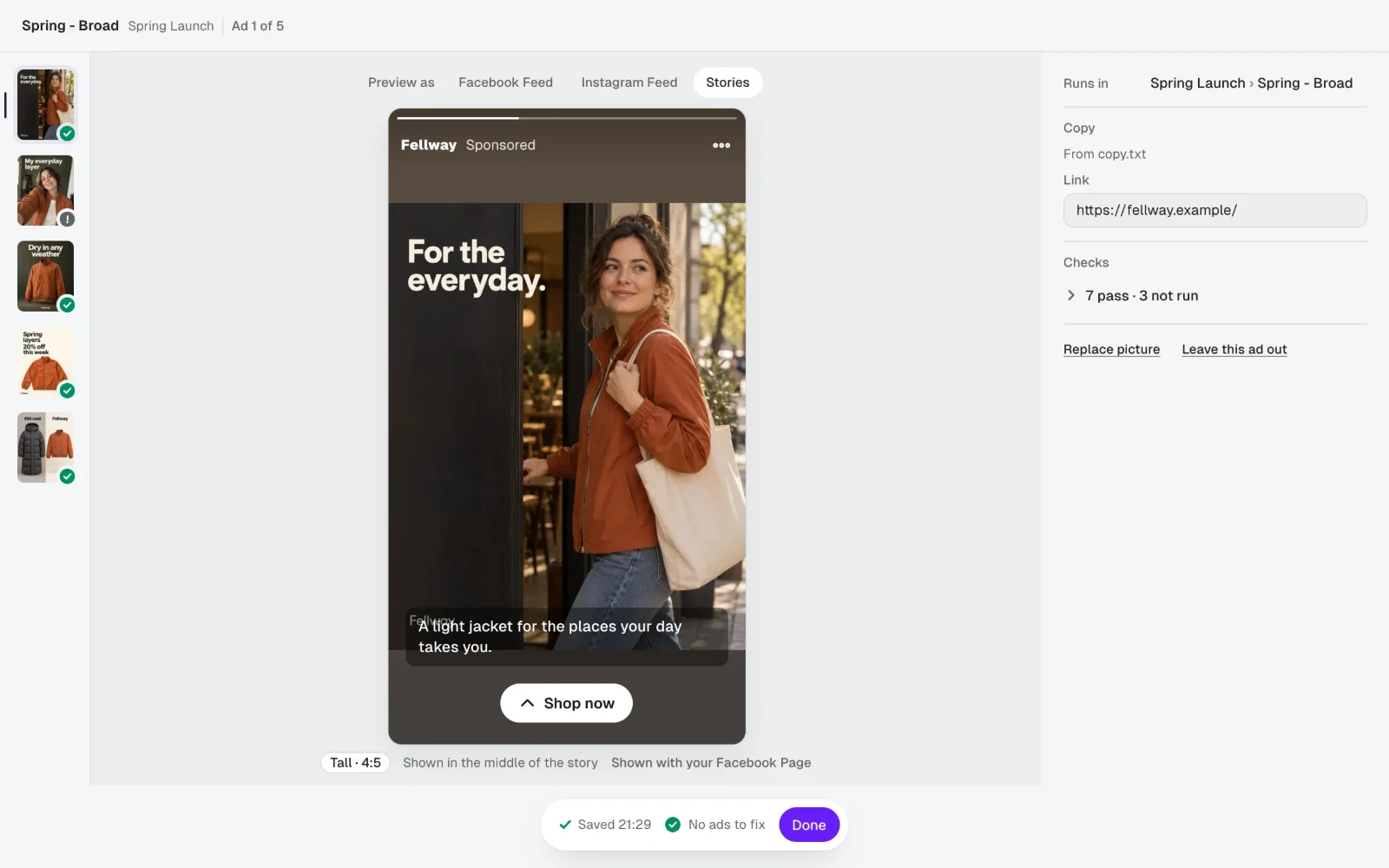
Tom checks the crop and the words in place, before anyone else does.

Sample: the first ad in the Facebook feed and in Stories.

Maya’s phone

Maya answers on her phone.

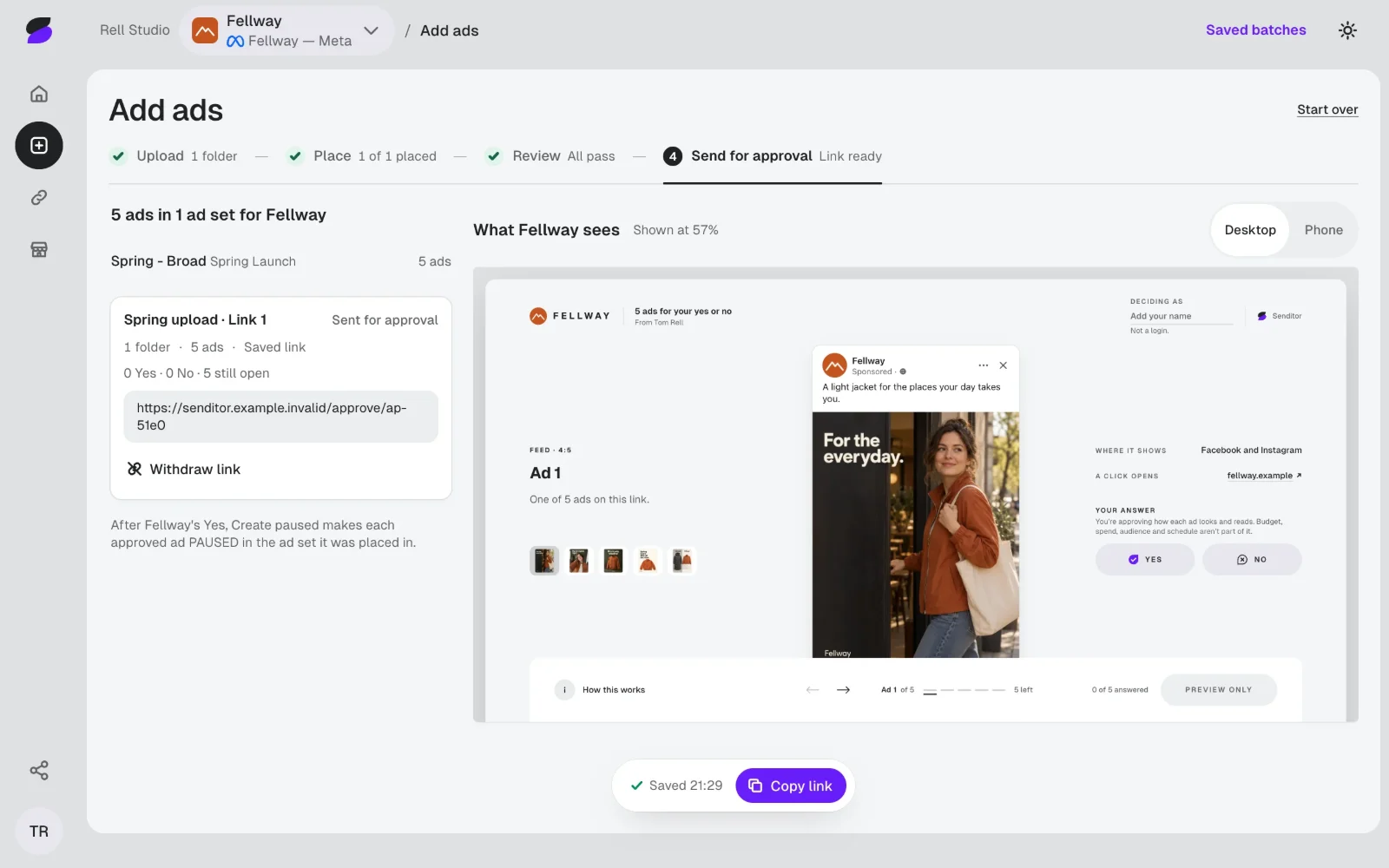
One link, no account. She says yes or no to each ad, and what to change.

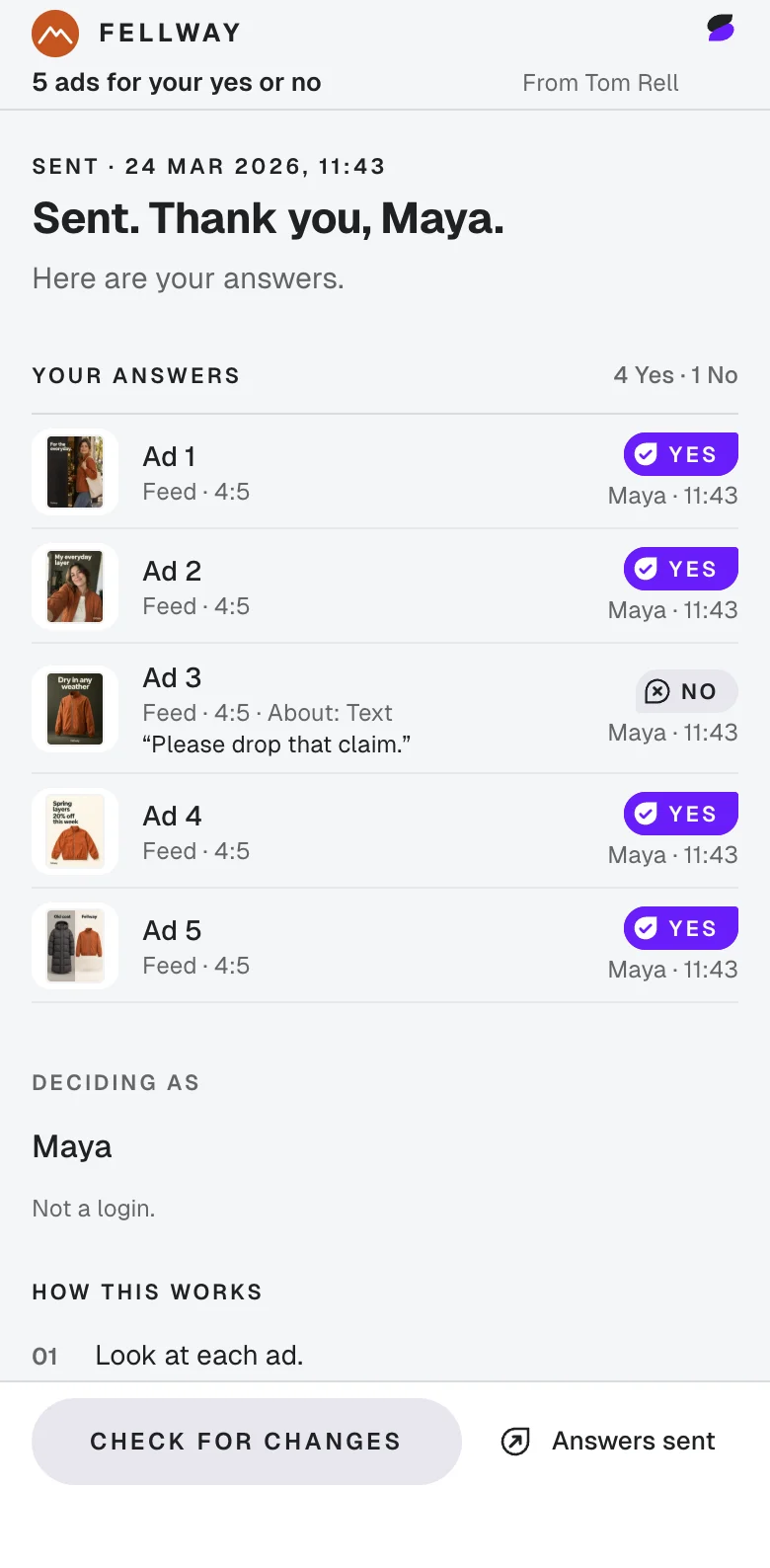
Sample: Tom’s link sent, and Maya answering it.

Tom’s ad set

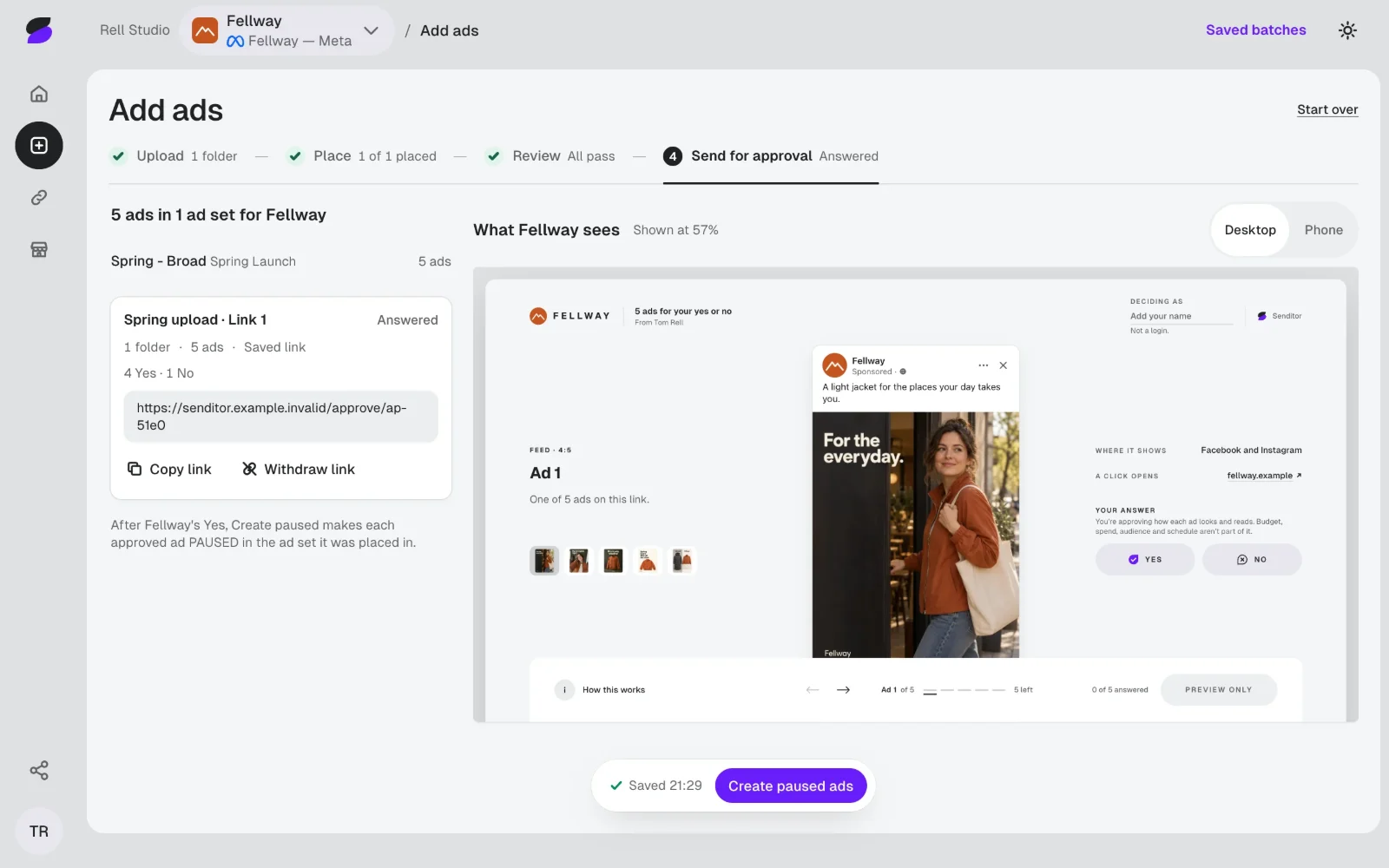
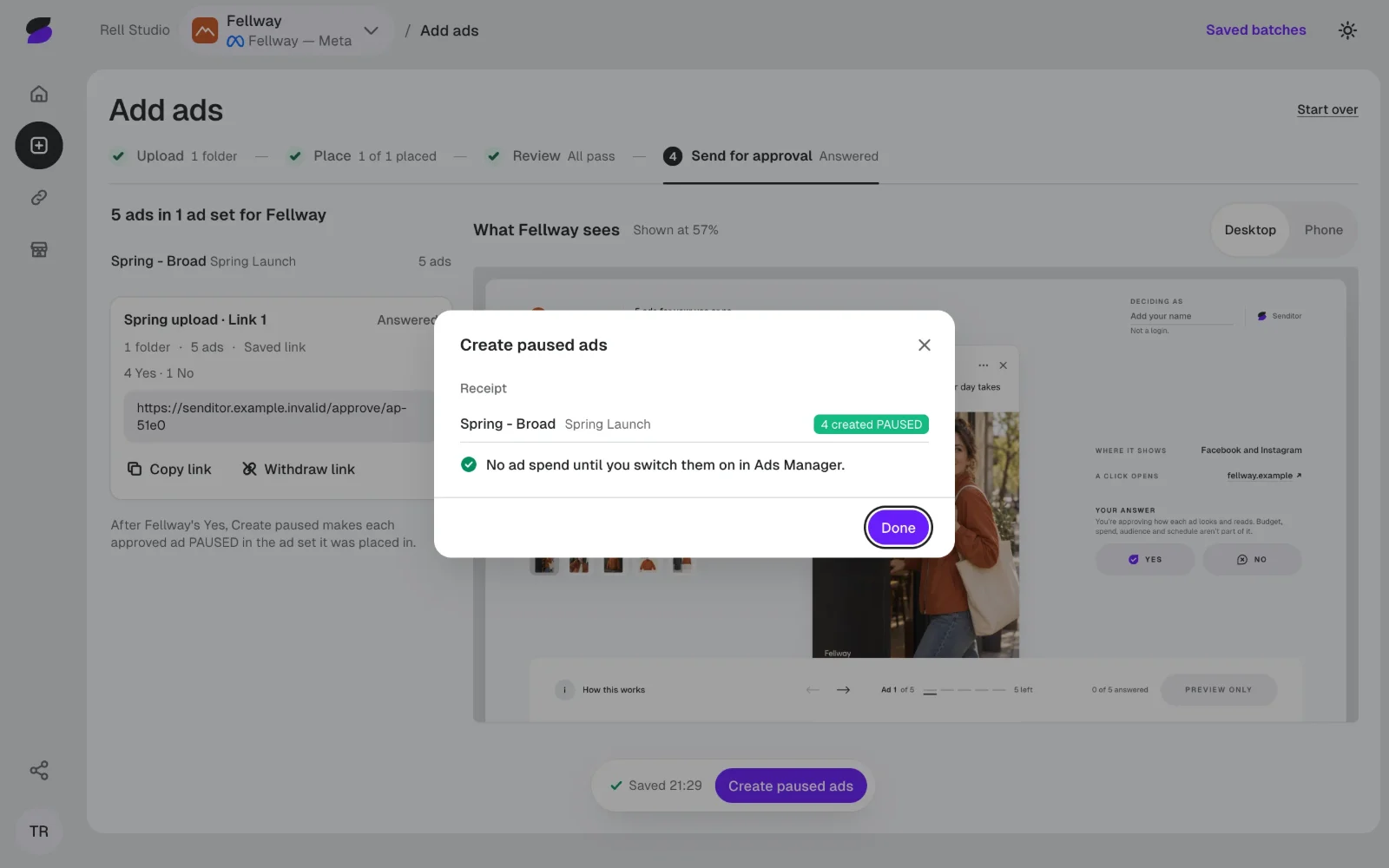
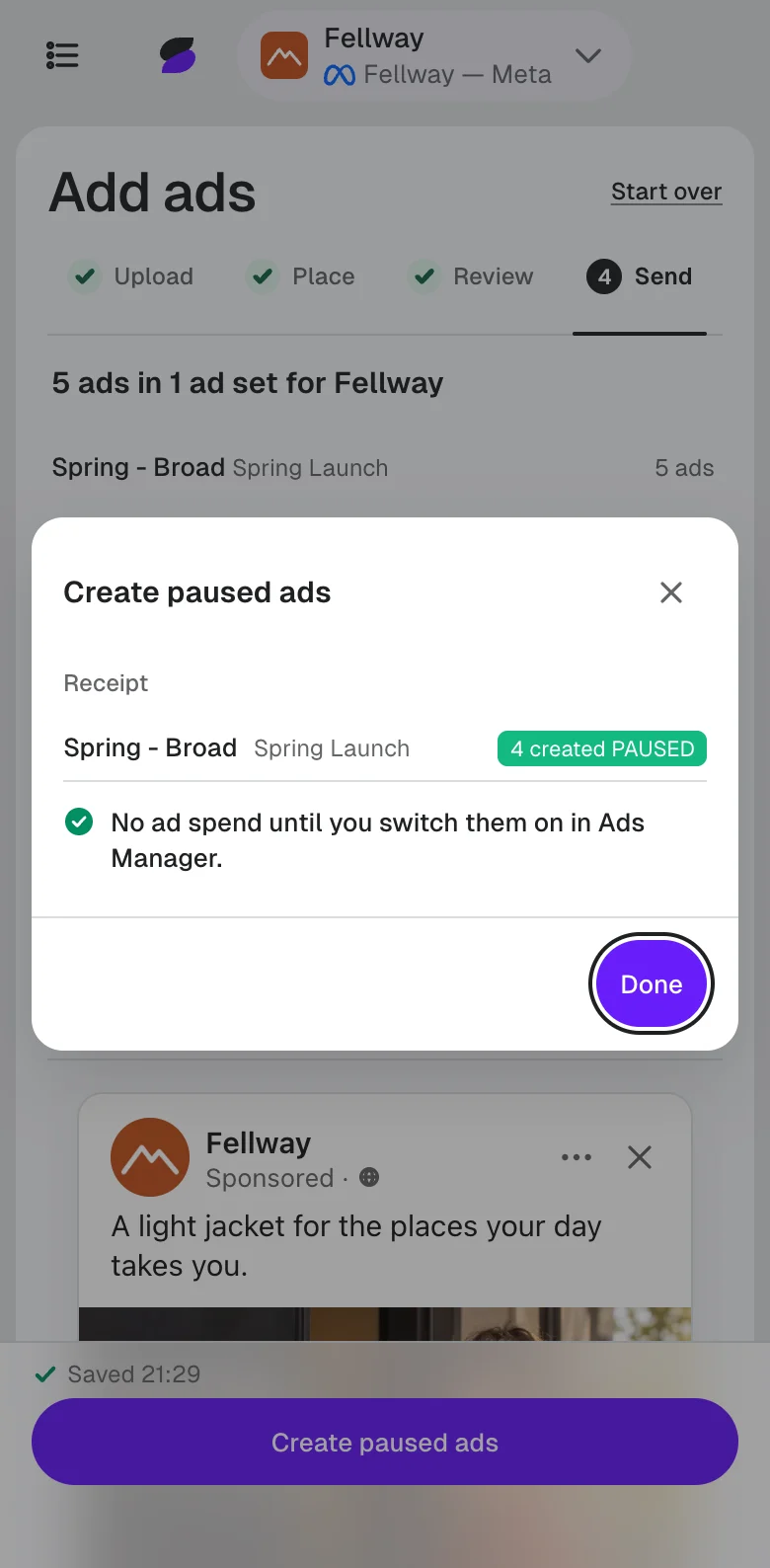
Created PAUSED.

Tom presses Create paused ads. The four Maya approved land in his ad set, switched off, until he turns them on.

Sample: Tom’s receipt, four ads created PAUSED.

Sample: made-up clients, ads, names and answers.

A yes should not switch an ad on.

Approved and live are two different moments. Every approved ad is created PAUSED in the ad set you chose. We never touch your budget, bids or targeting, and we never switch an ad on.

Budget
Yours
Bids
Yours
Targeting
Yours
Switching ads on
Yours

One ad platform for now: Meta. Images only. Video is not yet supported.

Pricing

One client
$14 per month
Up to 3 clients
$29 per month

3 days free. No card needed.

A flat monthly price. Not per seat, and never a percentage of what you spend on ads.

Request access

Questions

Does my client need an account?

No. Your client opens one link on a phone or a computer and says yes or no to each ad. No account, no login.

Can Senditor switch my ads on or spend my ad budget?

No. Approved ads are created PAUSED. You switch them on in Ads Manager, when you choose.

What happens when my client says no?

Nothing is created for that ad. Your client picks what to change or writes a note, so you know what to fix.

Can I see who approved what?

Yes. A name and a time on every answer, for the exact version your client saw.

What do the checks look for?

Picture size and shape, long text, spelling, past years, leftover prompt text, the same picture twice and, once you set the brand’s currency, a price in another currency. The link check is coming soon.

What does my client see?

Each ad as it shows in the feed, with Yes and No under it. Budget, spend, audience and schedule are not part of what they approve.

Be the next Tom.

Access is by invitation, for freelancers and small agencies who run Meta ads for clients.

  1. You email us, and a person replies.
  2. We set it up with you, on your own ad account.
  3. Your first batch goes out with us close by.
Request access

Your email app opens a message to support@senditor.ad with three short questions.